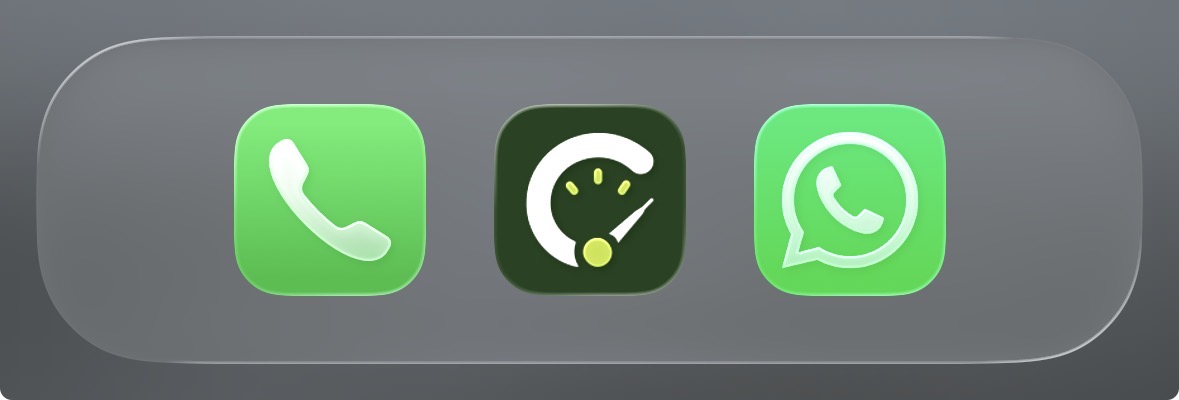
Add CareReta to your phone
CareReta runs in your browser — no app store needed. Add it to your home screen and it opens full-screen with its own icon, just like a normal app.
iPhone (Safari)
Must be done in Safari — Chrome and other browsers on iOS can’t add home screen apps.
- 1
Open hub.carereta.my in Safari.
- 2
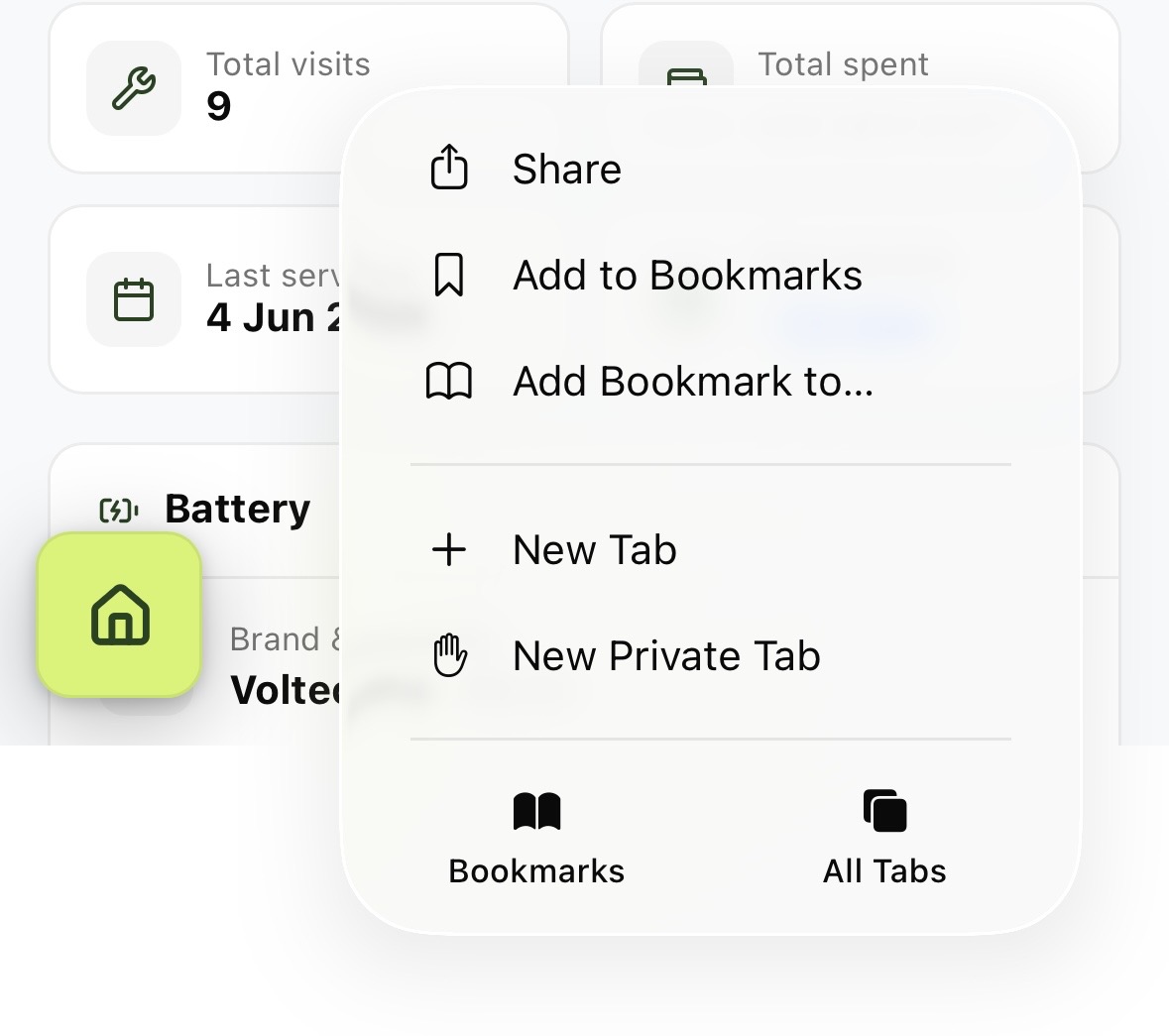
Tap the Share icon in the toolbar.
- 3
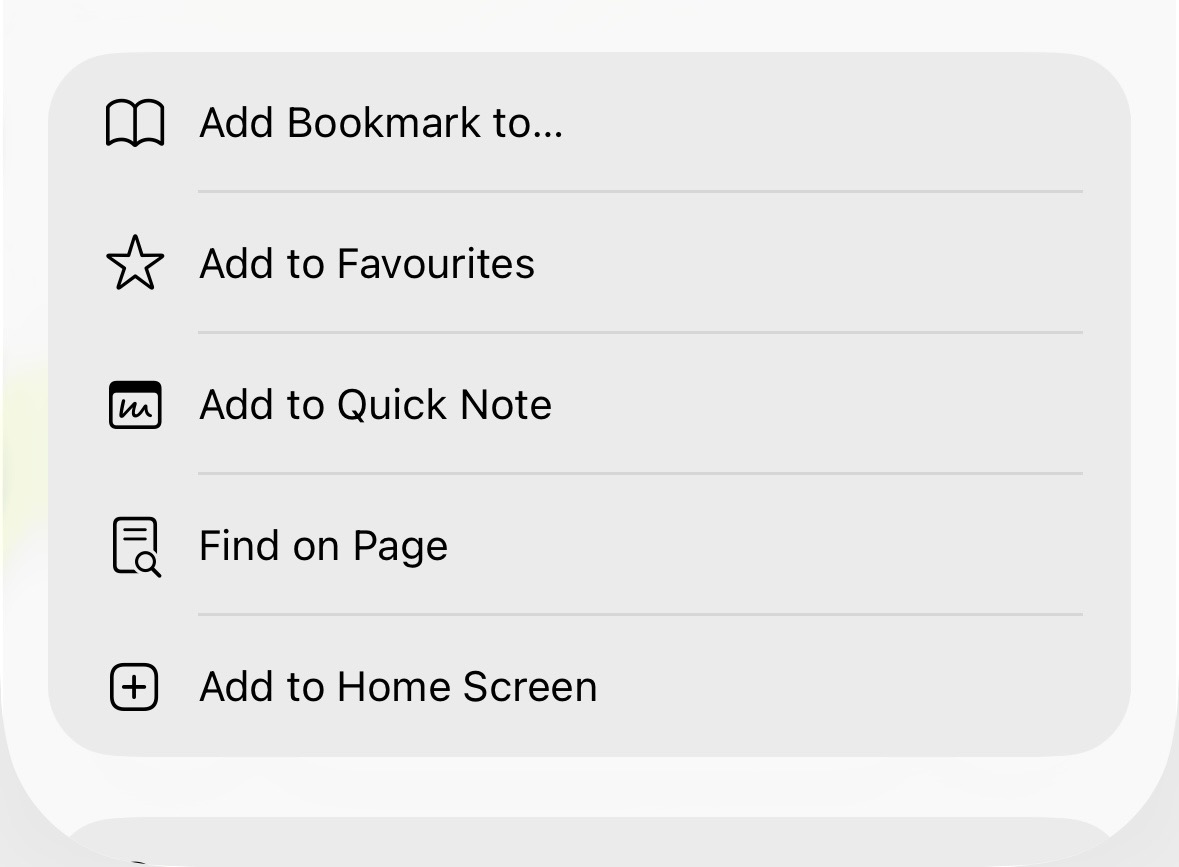
Scroll down and tap "Add to Home Screen". Not there? Tap "Edit Actions" at the bottom of the list and add it.
- 4
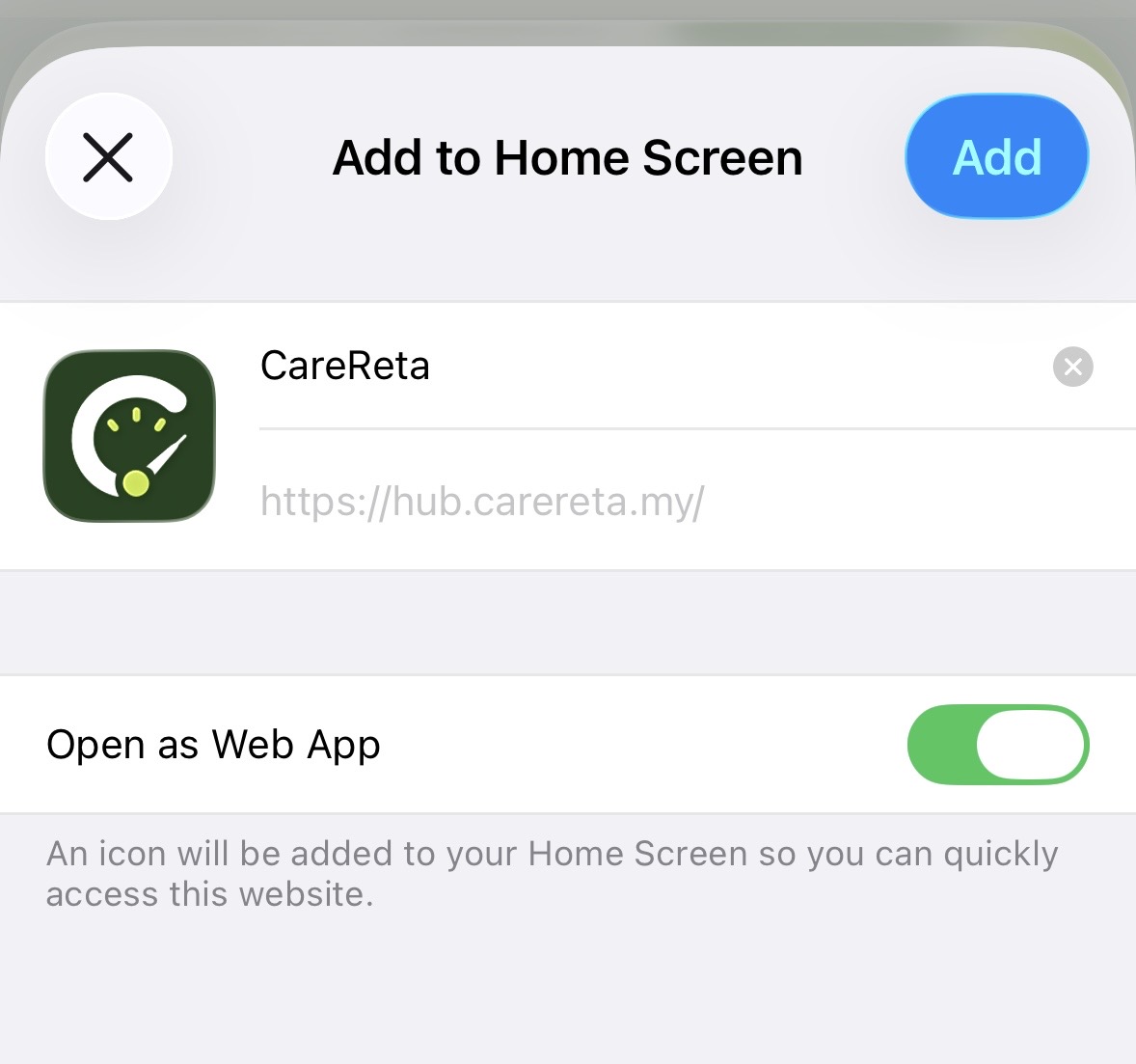
Edit the name if you like, then tap "Add" in the top right corner.
Android (Chrome)
Chrome will offer "Install app" automatically on supported devices.
- 1
Open hub.carereta.my in Chrome.
- 2
Tap the three-dot menu in the top-right corner.
- 3
Tap "Add to Home screen" or "Install app".
- 4
Confirm the name, then tap "Add" or "Install".
Once added, CareReta opens in its own window without the browser address bar.
Got questions? We've got answers.
Yes! Your first car is free forever — log services, save history, and get basic reminders without paying a cent.
Safe. Your data is encrypted and not shared with workshops or third parties. The records are yours — you can delete them any time.
Yes. Enter existing service records (if you have them), or start from the next service. For used cars, this digital logbook increases resale value.
CareReta supports all brands. For Proton & Perodua, we auto-fill the recommended service schedule so you don't need to set it manually. Other brands work too — just set it once yourself.